
After Effects
Description
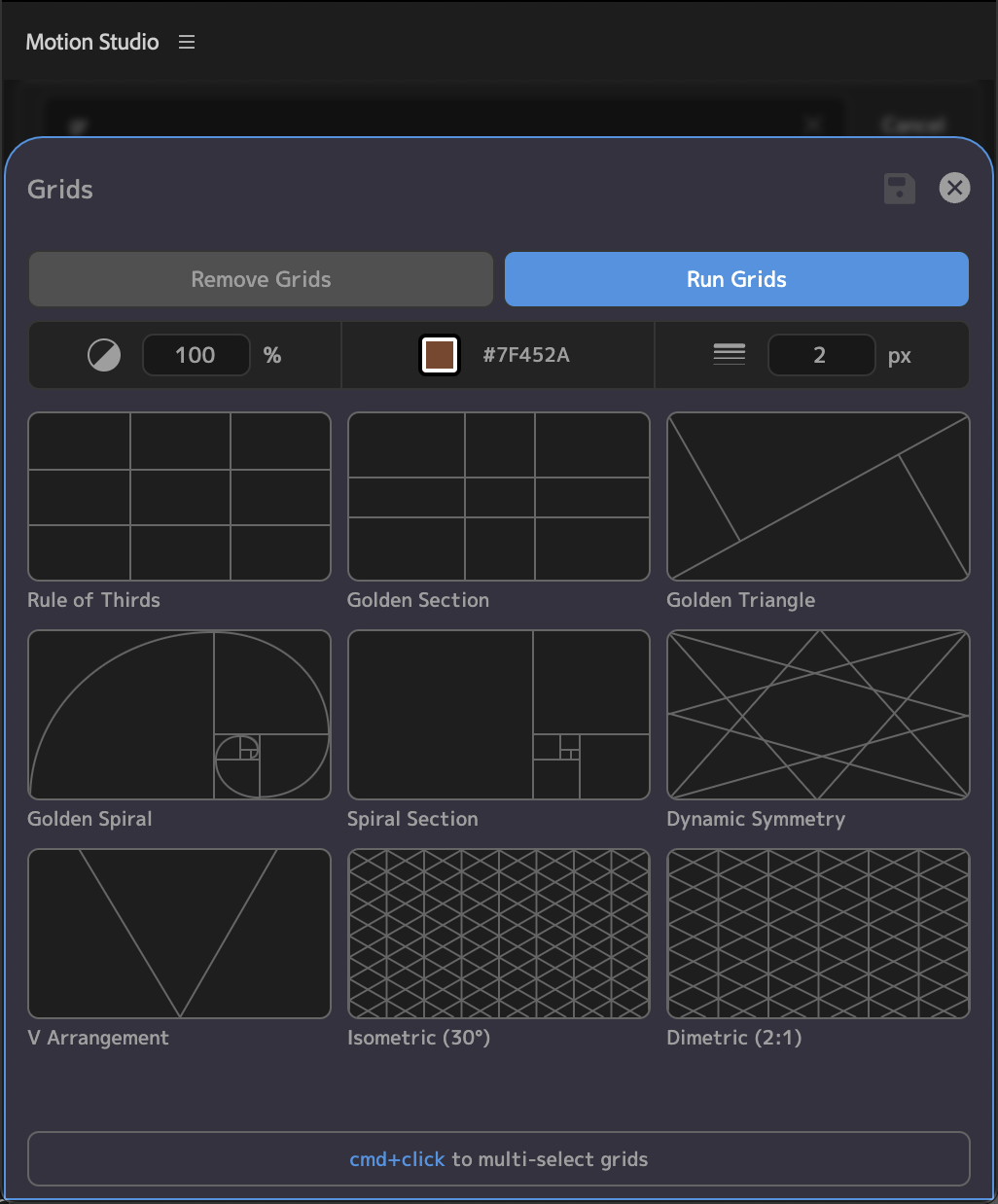
Overlay modern photography-style grid layouts on your AE composition. Add and combine rules like Rule of Thirds, the Golden Ratio, or V Arrangement and find balance while animating.
Usage
Open the "Grids" tool, and select the grid you'd like to add. You can multi-select by cmd/ctrl clicking the grids. Then, click Run Grids and the grid will be overlayed on your composition.
Select grids have options to flip or change the column count
Click or drag the opacity, color, and stroke width boxes to live-change the grid appearance
To remove all grids on your composition, click "Remove Grids"

Premiere Pro
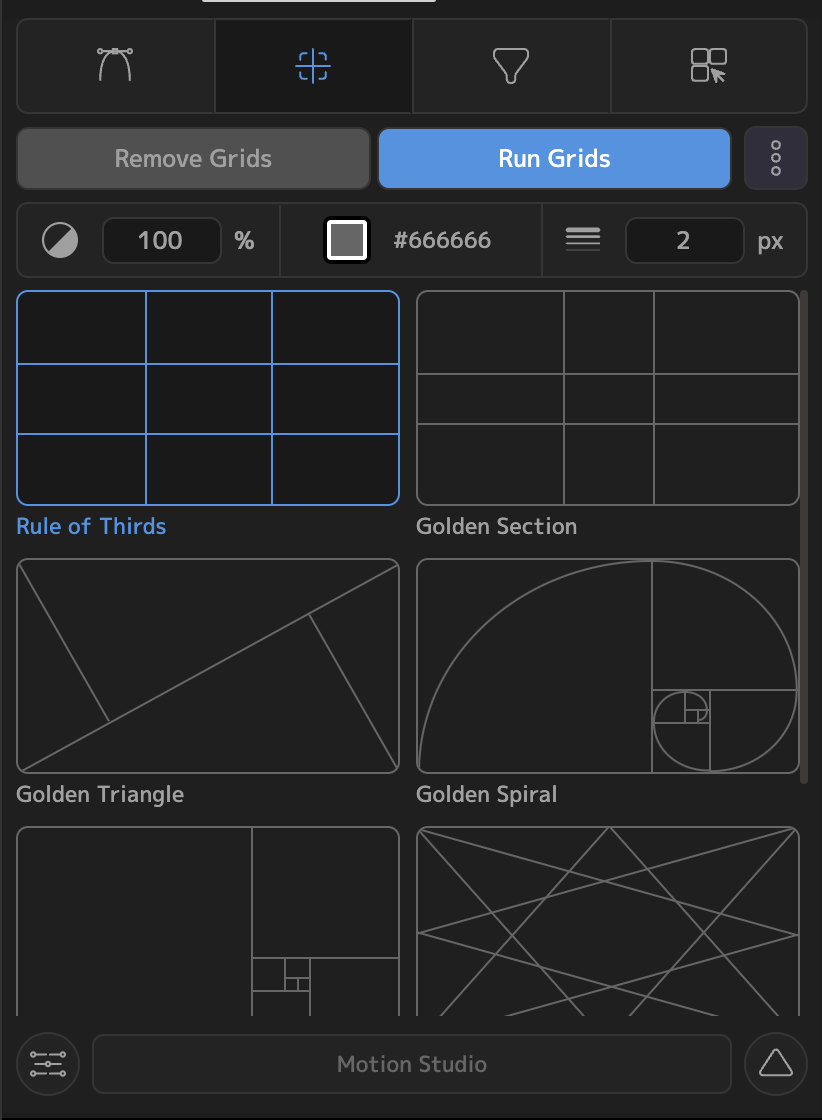
Open the "Grids" page, and select the grid you'd like to add. You can multi-select by cmd/ctrl clicking the grids. Then, click Run Grids and the grid will be overlayed on your composition.
For select grids, you can mirror horizontally and/or vertically
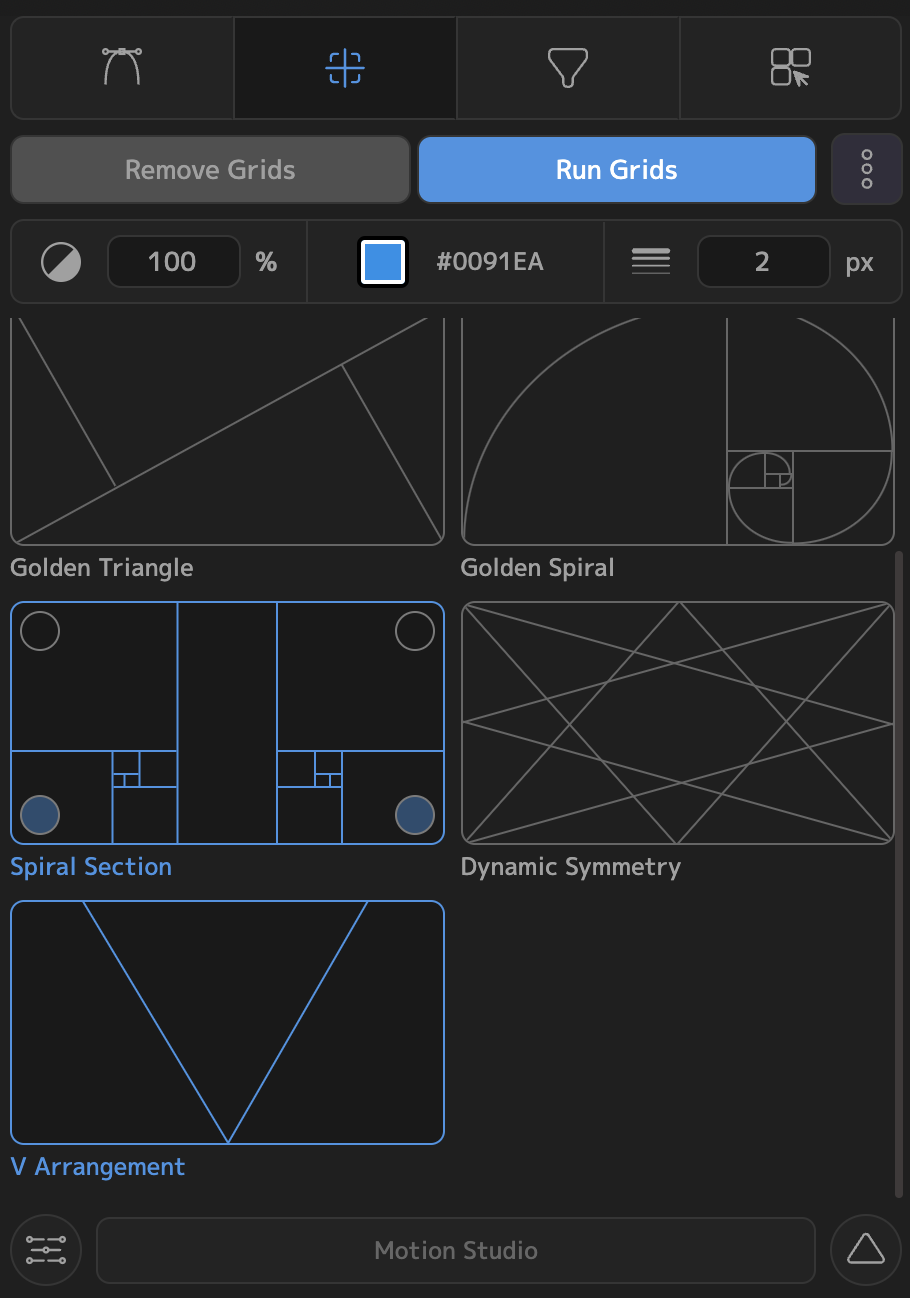
To remove all grids on your composition, click "Remove Grids"
Change the opacity, color, and stroke width using the properties bar at the top. The Opacity and Stroke Width fields support click+drag to change the values
